Inclusive Technologies & Accessibility
Week Overview
This week we explored inclusive technologies and accessibility. This included how technologies such as websites and apps can be made accessible as well as tools and technologies, specifically designed to support inclusion. Tools such as text-to-speech, speech-to-text, screen readers, closed captioning and adaptive keyboards can help students with differing abilities access learning. Using these tools support Universal Design for Learning (UDL), by creating a learning experience that is accessible to the “fringes” not just the average. We explored the accessibility go websites using the web accessibility evaluation tool, WAVE. The tool highlighted areas of websites that might be problematic to those with differing abilities. Things such as poor contrasting colours, alt-text for images, screen reader accessibility and header sizes. It was interesting to see that many district websites were not accessible, despite UDL and accessibility being a goal of the district. We even looked at our own blogs and tested their accessibility. This site sadly only received a 5.8/10. I had never considered alt-text, nor knew how to add them. Some things, such as layout and contrast of buttons were out of my control on word-press. We then explored how adaptive technologies can fit into our practice as teachers. In break-out rooms we had some great discussions about the benefits of using these technologies, for students with disabilities but also for all students.
Common Tools and UDL
Text-to-Speech
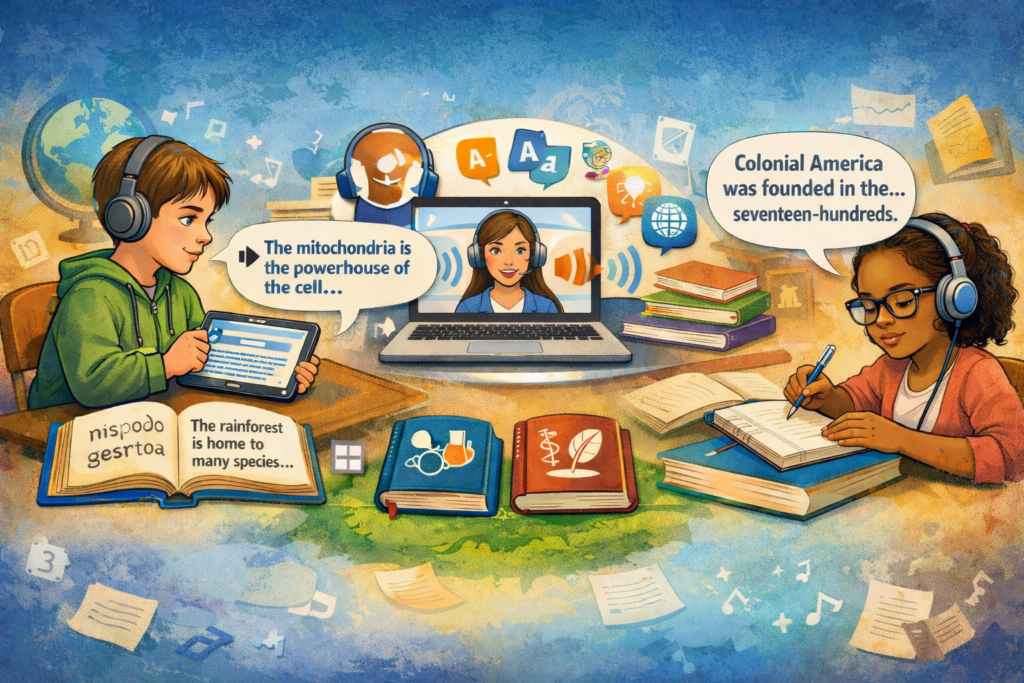
These tools read aloud text to learners. It helps learners with difficulties decoding and word-recognition understand material. These challenges shouldn’t impact a students ability to learn science or social studies. Text-to-speech can also help students develop decoding skills by associating the highlighted word with the sound of the word itself. I’ve even used Speechify to help with heavy history readings, as it kept me on track and focused as I read!
Word Predictions
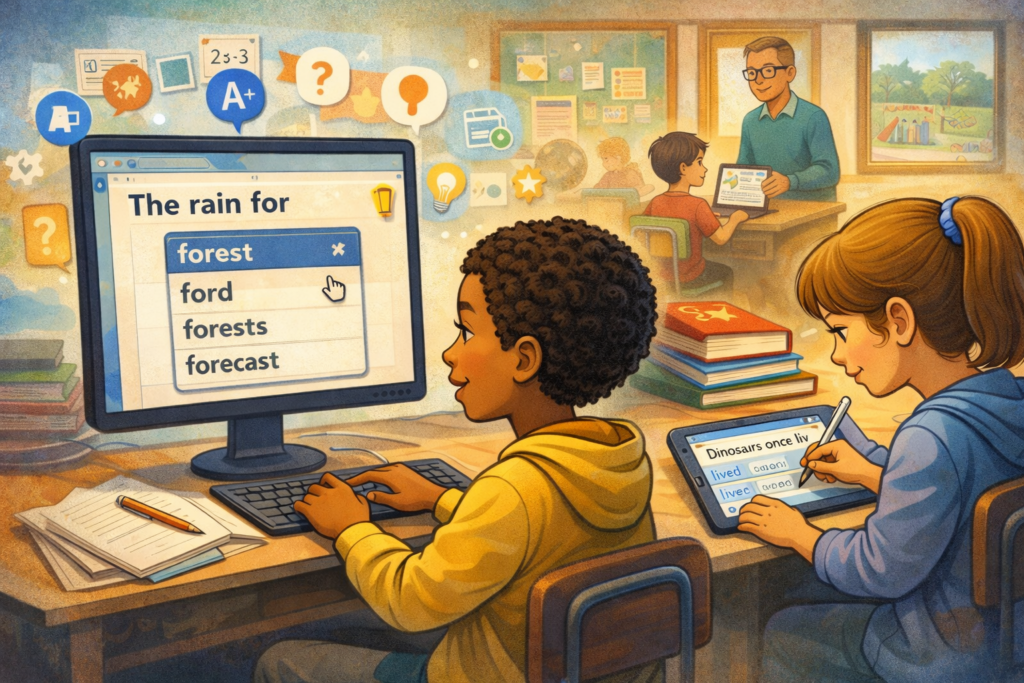
Word predictor softwares were initially used to help students who had difficulties typing. But has since been found useful for developing word-fluency in students. Similarly to text-to-speech, it helps students demonstrate their learning without being held back by issues with spelling, grammar or writing. These programs are often built into programs.
Benefits of These Tools
We discussed the many benefits in break-out rooms in class. The obvious benefits is that students with disabilities are able to interact and engage with the materials which inherently helps learning. However, an interesting point made in class was that being able to engage with the learning improves behaviour. Big behaviours are often a result of being uncomfortable or frustrated. These tools eliminate the negative feelings associated with not being able to engage.
XR, VR, AR
Extended reality (XR) is an umbrella term to describe technologies that bridge the physical world with the digital. This includes virtual reality (VR) and augmented reality (AR). There is much discussion on how these tools can be implemented in the classroom. UC Berkley discuss how XR can be adapted to meet UDL goals. They describe how these technologies allow students to be immersed in places that exist, don’t exist or no-longer exist. They can help with understanding these places and spaces in history, English language learning and even help with science. In my opinion I think these technologies are best to augment real-world learning, rather than replace it.
Our POD group was initially going to do our inquiry on immersive technologies. After a bit of research we decided to switch gears, as it didn’t seem like something that was particularly useful for our upcoming practicum. I think there is a lot of potential with these technologies, however I believe it will be a long time before they are equitably accessible. Will these technologies only be used in privileged well-funded classrooms? The UC Berkley article also mention issues arising around how accessible these technologies with those with functional and sensory disabilities. I think there is still a long way to go before these tools can be equitably used in the classroom.
~ All images created with ChatGPT ~
Anja, thank you for a comprehensive review of the week and for reflecting on the importance of inclusion through accessibility. The tools are a great way to help us ensure that Universal Design for Learning remains practical and at the heart of everything digital. Yes, it is not just theoretical, but something all of us can do to make our content accessible and inclusive. Well done!